

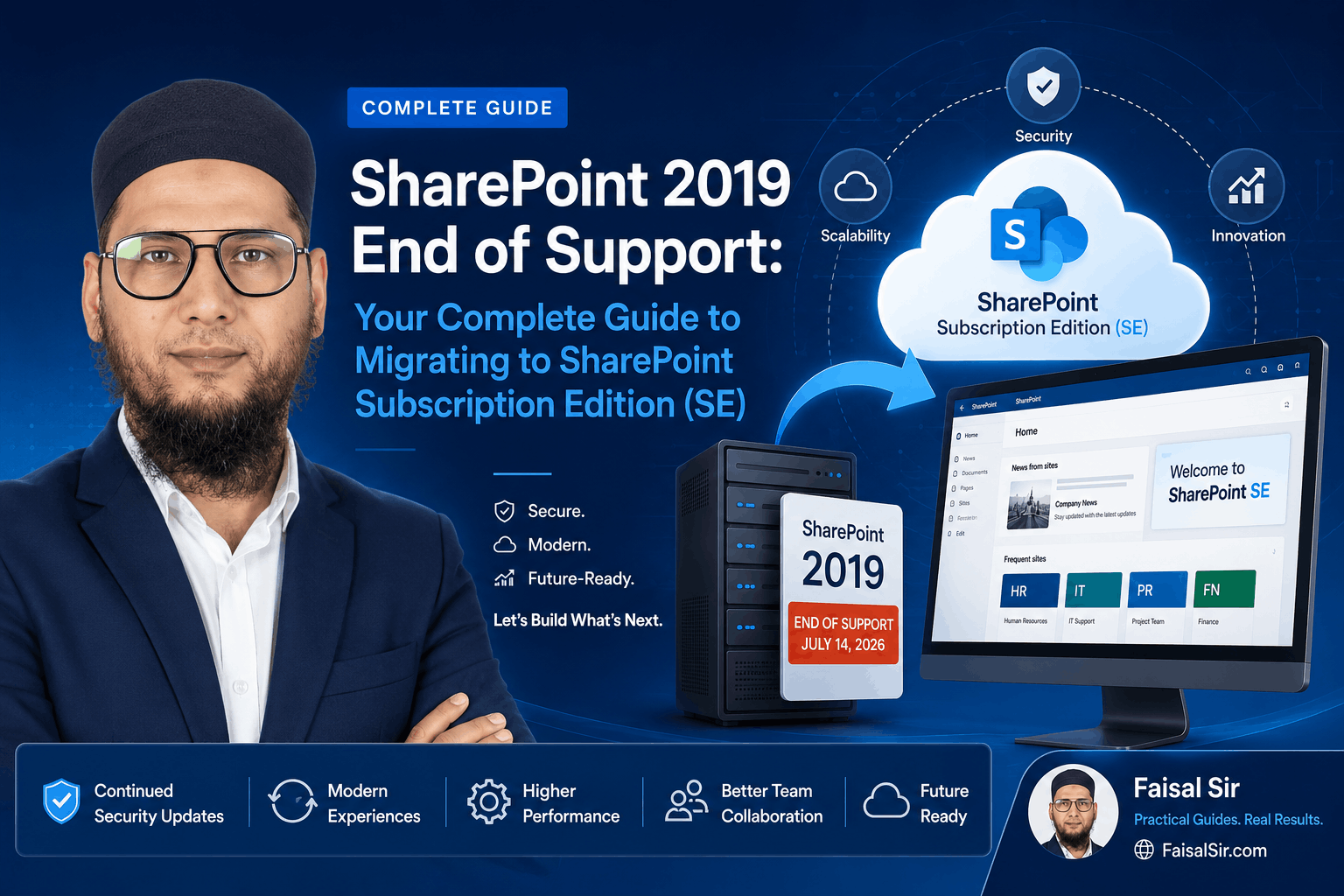
SharePoint 2019 End of Support: Your Complete Guide to Migrating to SharePoint Subscription Edition (SE)
Microsoft has ended support for SharePoint Server 2019. While your SharePoint farm may continue running, it will no longer receive security updates, bug fixes, or technical support. This guide explains what End of Support means, why organizations should migrate to SharePoint Subscription Edition (SE), and how to prepare for a successful migration.
Introduction
For many organizations, SharePoint is much more than a document management system. It serves as the foundation for collaboration, business process automation, knowledge management, corporate intranets, and custom business applications.
Over the years, SharePoint Server 2019 has become a trusted platform across government agencies, healthcare organizations, educational institutions, financial services, manufacturing companies, and enterprises worldwide.
However, every technology platform has a lifecycle.
With Microsoft ending support for SharePoint Server 2019, organizations must now decide whether to continue operating on an unsupported platform or migrate to SharePoint Subscription Edition (SE), Microsoft’s latest on-premises SharePoint offering.
While your existing SharePoint farm will continue functioning, the risks associated with running unsupported software will continue to grow.
This article explains what End of Support means, why it matters, and how organizations can confidently plan their migration to SharePoint Subscription Edition.
What Is End of Support?
A common misconception is that software stops working immediately once Microsoft announces End of Support.
That is not the case.
Your SharePoint Server 2019 environment will continue to run.
- Employees can still access documents.
- Sites will continue loading.
- Workflows may continue processing requests.
However, Microsoft will no longer provide:
- Security updates
- Bug fixes
- Product improvements
- Technical support
- Non-security hotfixes
This means newly discovered vulnerabilities will remain unpatched, increasing the likelihood of security incidents over time.
Organizations operating in regulated industries may also face compliance concerns, as many security standards require supported software platforms.
Why Organizations Should Care
Many organizations postpone infrastructure upgrades because their existing environment appears stable.
Unfortunately, cybersecurity threats do not wait for convenient upgrade schedules.
Remaining on an unsupported platform can expose businesses to several risks.
Security Risks
Without ongoing security updates, newly discovered vulnerabilities remain open for attackers to exploit. A single security incident can result in data loss, operational disruption, financial penalties, and reputational damage.
Compliance Challenges
Many industries require supported software as part of cybersecurity and governance frameworks. Running unsupported infrastructure may affect compliance with internal policies or external regulations.
Operational Risks
As surrounding technologies continue to evolve, compatibility issues may emerge with browsers, authentication systems, operating systems, SQL Server versions, and third-party applications.
Increased Costs
Delaying migration often results in emergency upgrades that are more expensive, more disruptive, and significantly more stressful than well-planned migration projects.
Why SharePoint Subscription Edition (SE)?
SharePoint Subscription Edition represents Microsoft’s long-term strategy for organizations that choose to remain on-premises.
Instead of releasing a completely new SharePoint version every few years, Microsoft now delivers continuous improvements through regular updates.
This modern servicing model allows organizations to remain on a supported platform while preserving the flexibility and control of hosting SharePoint within their own infrastructure.
For businesses with regulatory requirements, data residency obligations, or hybrid deployment strategies, SharePoint Subscription Edition provides the best of both worlds—modern capabilities without requiring a complete move to the cloud.
Key Benefits of SharePoint Subscription Edition
Continuous Security Updates
Security threats evolve constantly. SharePoint Subscription Edition receives ongoing security updates, helping organizations maintain a secure collaboration platform.
Better Performance
Microsoft has optimized SharePoint Subscription Edition for improved performance, faster page rendering, better search responsiveness, and more efficient service applications.
Modern Authentication
Subscription Edition supports modern authentication technologies such as OpenID Connect (OIDC) and OAuth, enabling stronger identity management and better integration with modern security practices.
Improved Hybrid Integration
Organizations using Microsoft 365 can benefit from improved connectivity with Microsoft Teams, OneDrive, Microsoft Entra ID, and the Power Platform.
Long-Term Platform Strategy
Instead of planning another major platform migration every few years, organizations can remain current through Microsoft’s continuous servicing approach.
Preparing for Migration
Every successful migration begins with understanding the existing environment.
Before upgrading, organizations should perform a comprehensive assessment that includes:
- SharePoint farm topology
- Content databases
- Service applications
- Search configuration
- Managed Metadata Service
- User Profile Service
- Business Connectivity Services
- Custom farm solutions
- SharePoint Framework (SPFx) solutions
- PowerShell automation
- Third-party integrations
- SSL certificates
- SQL Server compatibility
- Windows Server compatibility
A thorough assessment helps identify potential issues before they become migration obstacles.
Migration Options
There is no single migration approach that fits every organization.
The right strategy depends on the complexity of your environment, customizations, business requirements, and future roadmap.
Database Attach Upgrade
This approach upgrades supported databases into a new SharePoint Subscription Edition farm.
It is well suited for organizations that already follow Microsoft’s supported upgrade paths and want to preserve their existing content and configurations.
Build a New Farm
Some organizations choose to build a clean SharePoint Subscription Edition environment and migrate only the content and solutions they still require.
This provides an opportunity to eliminate obsolete sites, outdated customizations, and unused content.
Hybrid Modernization
Organizations adopting Microsoft 365 may implement a hybrid approach, allowing selected workloads to integrate with cloud services while keeping business-critical content on-premises.
Migration Readiness Checklist
Before beginning your migration, consider the following checklist:
- Review SharePoint farm health
- Validate hardware requirements
- Confirm Windows Server compatibility
- Confirm SQL Server compatibility
- Review custom farm solutions
- Assess SPFx solutions
- Identify SharePoint Designer workflows
- Review InfoPath forms
- Evaluate third-party products
- Verify authentication methods
- Review SSL certificates
- Test backup and disaster recovery
- Build a staging environment
- Perform User Acceptance Testing (UAT)
- Prepare rollback procedures
A structured migration plan significantly reduces project risk and downtime.
Common Migration Challenges
Every SharePoint environment is unique.
Some of the most common migration challenges include:
- Legacy customizations that require updates
- Unsupported third-party products
- Large content databases
- Deprecated authentication methods
- Complex search configurations
- Legacy workflows
- Infrastructure upgrades
- Performance optimization after migration
These challenges can usually be addressed through careful planning, testing, and phased implementation.
Best Practices from Real-World Projects
Over the years, one lesson has remained consistent: successful SharePoint migrations begin long before the first database is moved.
Organizations that invest time in planning almost always experience smoother migrations.
Some recommended best practices include:
- Perform a complete farm health assessment before migration.
- Remove unused site collections and obsolete content.
- Test custom solutions in a non-production environment.
- Involve business users during User Acceptance Testing.
- Prepare a rollback strategy before production migration.
- Communicate planned downtime clearly with stakeholders.
- Document every configuration change throughout the project.
Migration should never be viewed as simply upgrading software. It is an opportunity to modernize the digital workplace, improve governance, and enhance security.
Frequently Asked Questions
Will SharePoint 2019 stop working after End of Support?
No. It will continue to operate, but Microsoft will no longer provide security updates, bug fixes, or technical support.
Can I migrate directly to SharePoint Subscription Edition?
The supported migration path depends on your current environment and Microsoft’s upgrade guidance. A technical assessment should be completed before planning the migration.
Will my custom solutions continue to work?
Many custom solutions can be migrated successfully, but they should be reviewed and tested for compatibility before production deployment.
Is moving to Microsoft 365 mandatory?
No. SharePoint Subscription Edition is designed for organizations that wish to continue operating SharePoint on-premises while remaining on a supported platform.
How long does a migration typically take?
The duration varies depending on the size of the SharePoint farm, number of customizations, integrations, and business requirements. Proper planning is essential for a successful migration.
Final Thoughts
End of Support should not be viewed as a deadline to fear—it should be viewed as an opportunity to modernize.
Your SharePoint Server 2019 environment may continue running, but every day spent on an unsupported platform increases security, compliance, and operational risks.
Migrating to SharePoint Subscription Edition (SE) provides more than continued support. It delivers stronger security, improved performance, modern authentication, enhanced hybrid capabilities, and a platform aligned with Microsoft’s long-term vision for on-premises SharePoint.
The organizations that begin planning today will avoid rushed decisions tomorrow. By assessing your current environment, reviewing customizations, and developing a structured migration strategy, you can ensure a smooth transition while protecting one of your organization’s most valuable digital assets.
As I often tell clients, successful migrations don’t begin with moving databases—they begin with asking the right questions, planning carefully, and preparing for the future.
